
|
| Getting Started |
| M&E Overview | Remote Monitoring | Mobile Data Collection (MDC) | GIS and M&E | Case Study | Getting Started |
 |
 |
Choosing
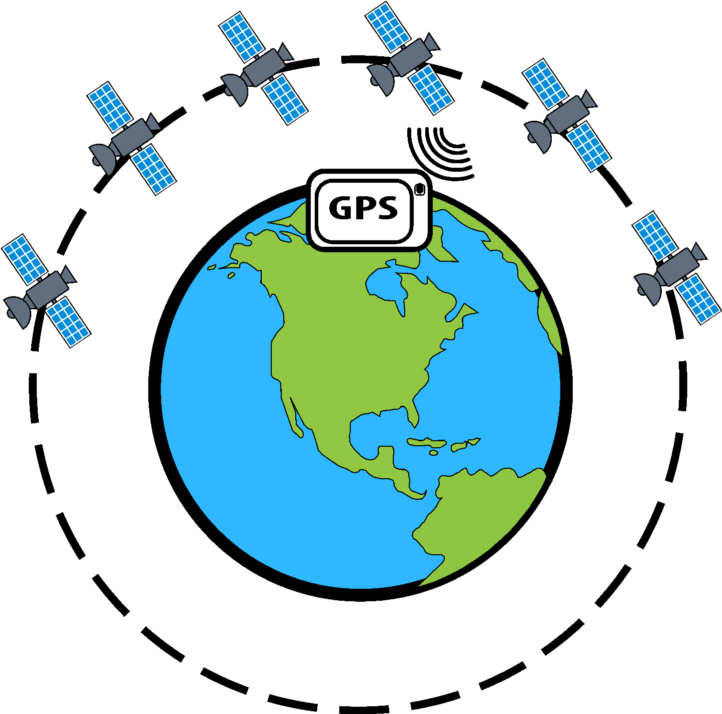
mobile phone features Inexpensive (under $100) SIM-unlocked Android smartphones with basic features and not overly ostentatious in appearance are recommended. Longer forms typically require more memory, which usually means a more expensive phone, however, these phones are adequate for forms that contain fewer than a 100 questions. Most importantly, be sure to select a phone with a global positioning system (GPS) feature, to enable the collection of the geographic coordinates that identify project/program location Consider installing Google Device Policy on the mobile devices to allow for remote administration. Purchase local SIM cards with sufficient data, and install on the devices Preparing for field activity Choosing a mobile data collection platform Most platforms offer limited free functionality to enable users test
its features before purchasing. We carried out an exhaustive evaluation
of several options, and decided on using Fastfield Mobile forms for data
collection. While Fastfield Mobile forms is not the least expensive option,
it offers numerous advantages over other options, most notably, the ability
to collect form data in remote locations even without an Internet connection!
|
|||
 |
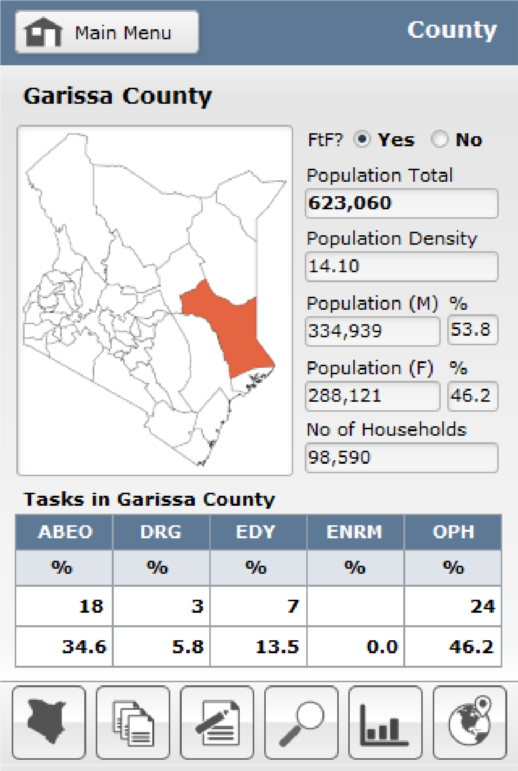
iPhone version of the Mobile Activity Management Information System (AMIS) I developed for USAID / Kenya allows for one-touch capture of coordinates. I do not recommend the use of iPhones, or iPads
|
|
|||
 |
|||||
| Global positioning system (GPS) | |||||
|
 |
|
|
Connect | ||
| FAQ Glossary Blog |
About Resources Contact Us |
|||||

|
||||||
|
Copyright ©2021 AI Solutions | |||||